


7 Reasons Families Are Using The MemoryVault Box™ Pro To Finally Digitize Old Film At Home
What If Digitizing Your Old Film Was Actually Simple?
You’ve probably thought about digitizing your old negatives and slides before.
But then come the computers, software, cables, and different film formats. Suddenly, turning old photos into digital memories feels like a bigger project than it should.
Here are 7 reasons The MemoryVault Box™ Pro makes it easier to bring those memories back to life.

1. Scan More Of Your Old Film
1. Scan More Of Your Old Film
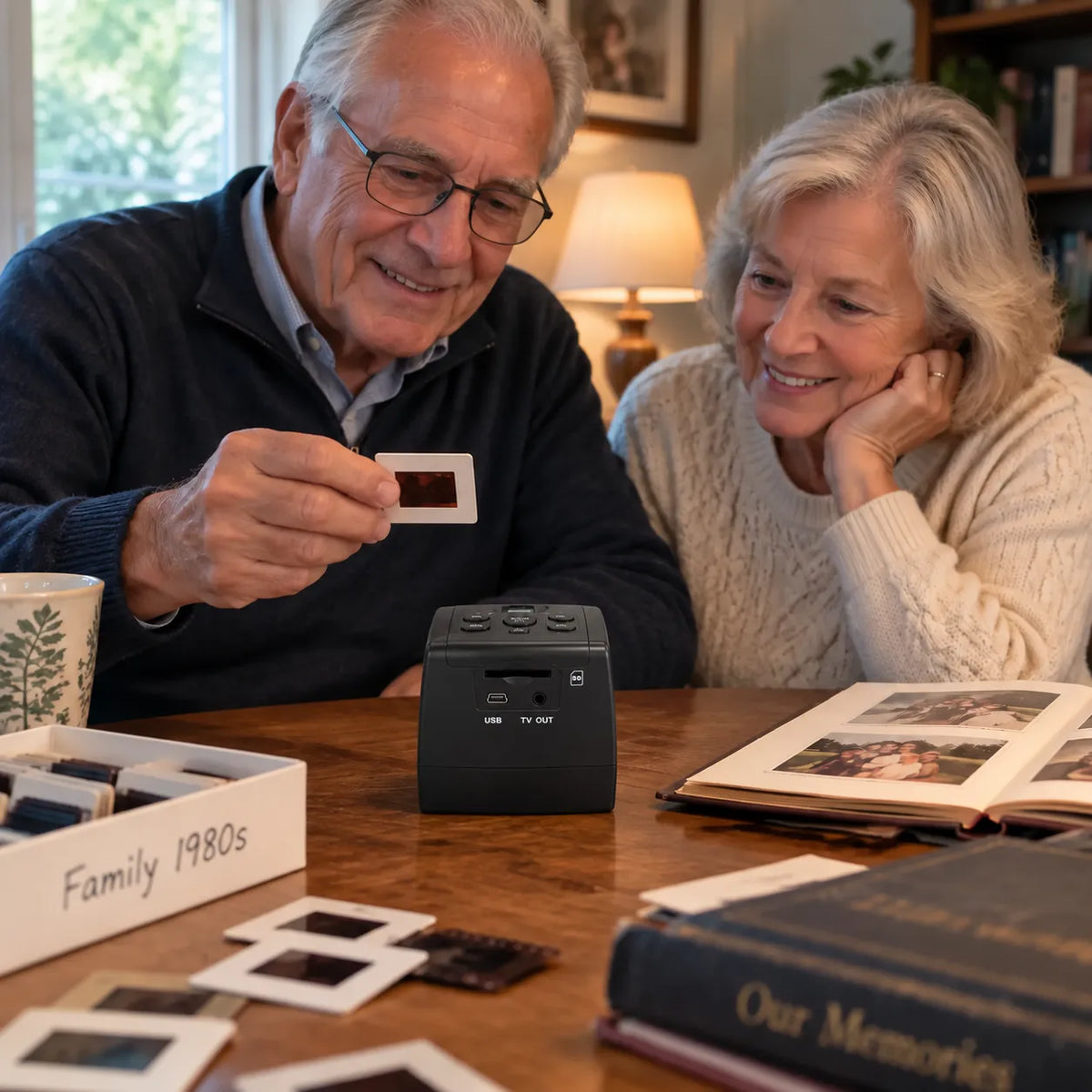
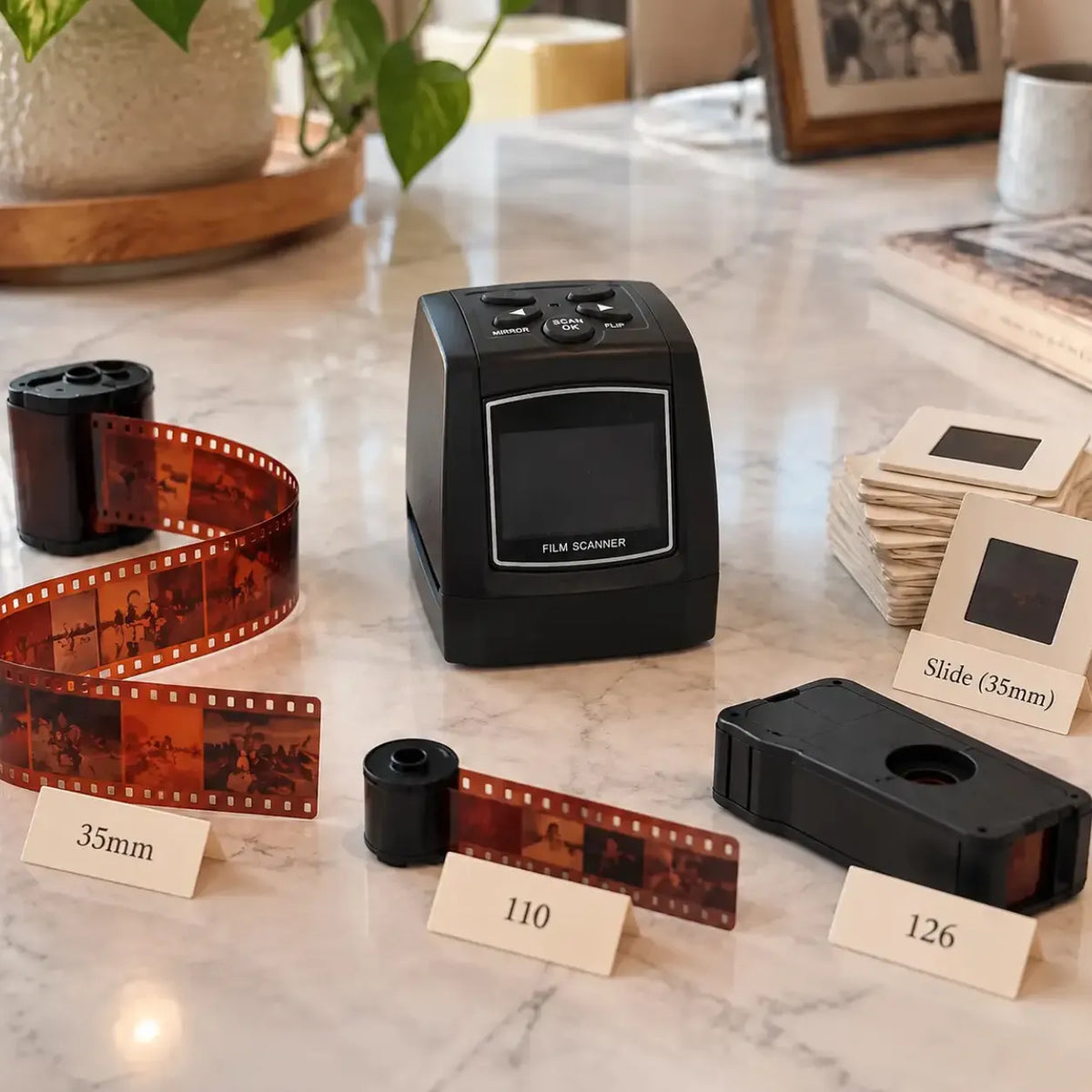
Your old photos may be spread across different film formats.
35mm. 126. 110. Super8. Slides and negatives, color and black and white.
The MemoryVault Box™ Pro reads all of them, so you're not stuck with a scanner that only handles part of your collection.
One Scanner. Every Format You've Got.
2. Built To Capture Every Detail
2. Built To Capture Every Detail
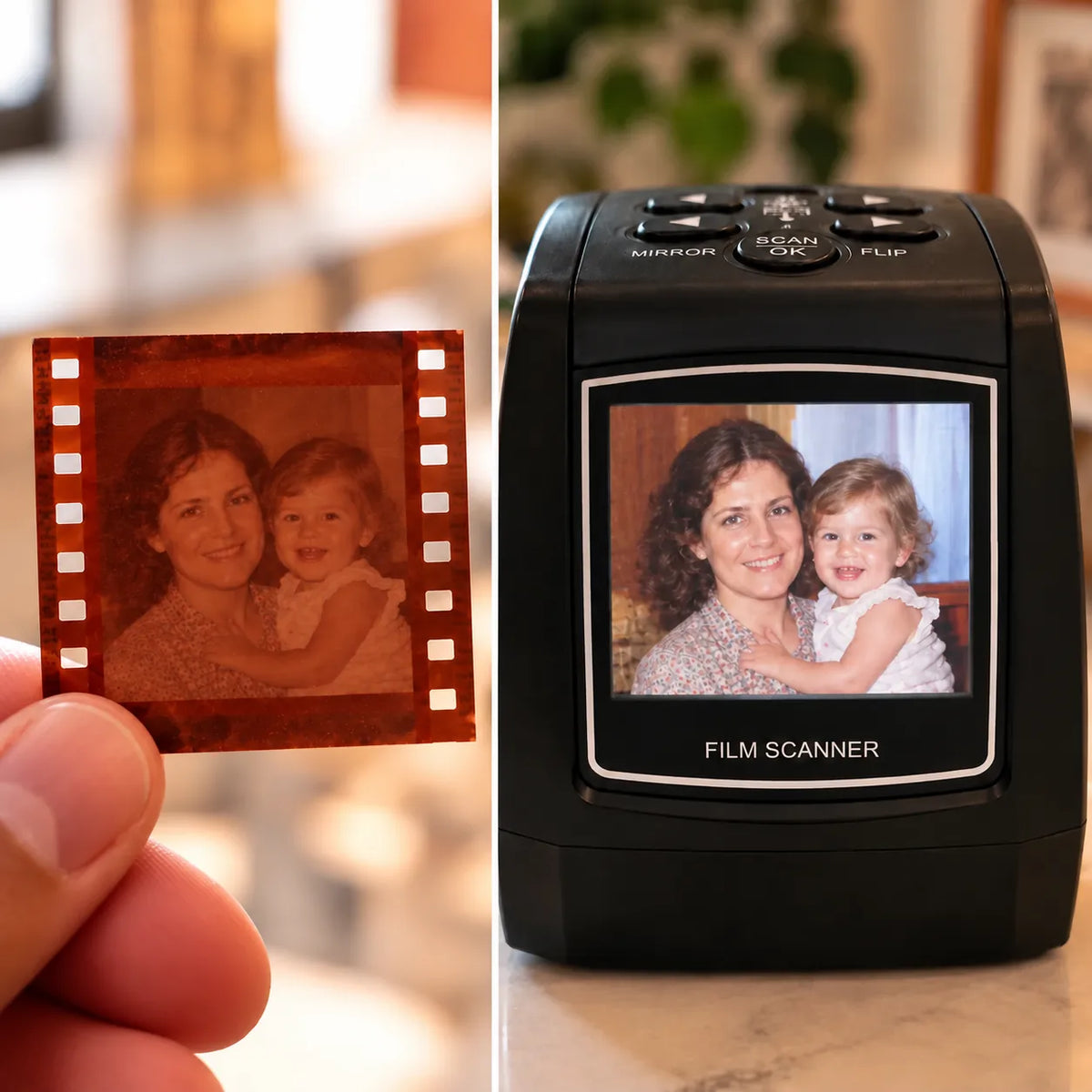
The goal isn't just to scan an old photo. It's to preserve it.
The MemoryVault Box™ Pro captures fine detail at up to 22MP, so you've got a digital copy worth keeping — not a blurry stand-in for the original.
3. No Computer. No Software. No Hassle.
3. No Computer. No Software. No Hassle.
Scanning old film shouldn't require a complicated setup.
With The MemoryVault Box™ Pro:
Insert your film
Preview it on the built-in screen
Press one button
Save it to an SD card
The MemoryVault Box™ Pro handles the whole scanning process on its own.
Pick it up. Scan it. Save it.
4. Old, Faded Film Isn’t A Lost Cause.
4. Old, Faded Film Isn’t A Lost Cause.
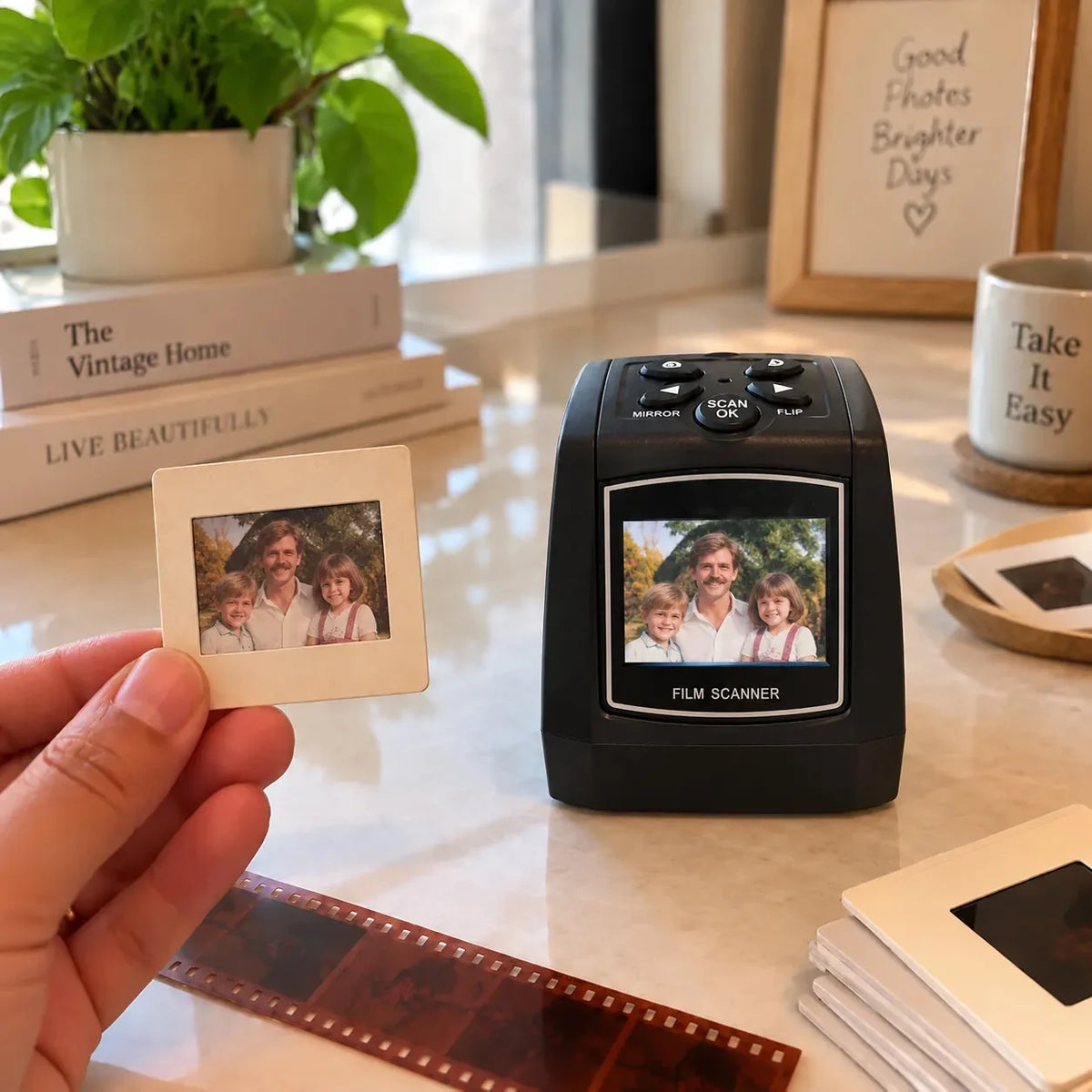
Film can change with age. Colors fade. Images get darker. Some negatives don't look the way they used to.
The MemoryVault Box™ Pro uses an upgraded CMOS sensor with automatic color correction and backlight compensation to help balance aging and faded film.
It won't fix every damaged photo. But it can help you get a better digital version of the memories you still have.
“My grandkids saw photos of their great-grandparents for the first time. Worth every penny.”
5. See The Scan Before You Save It
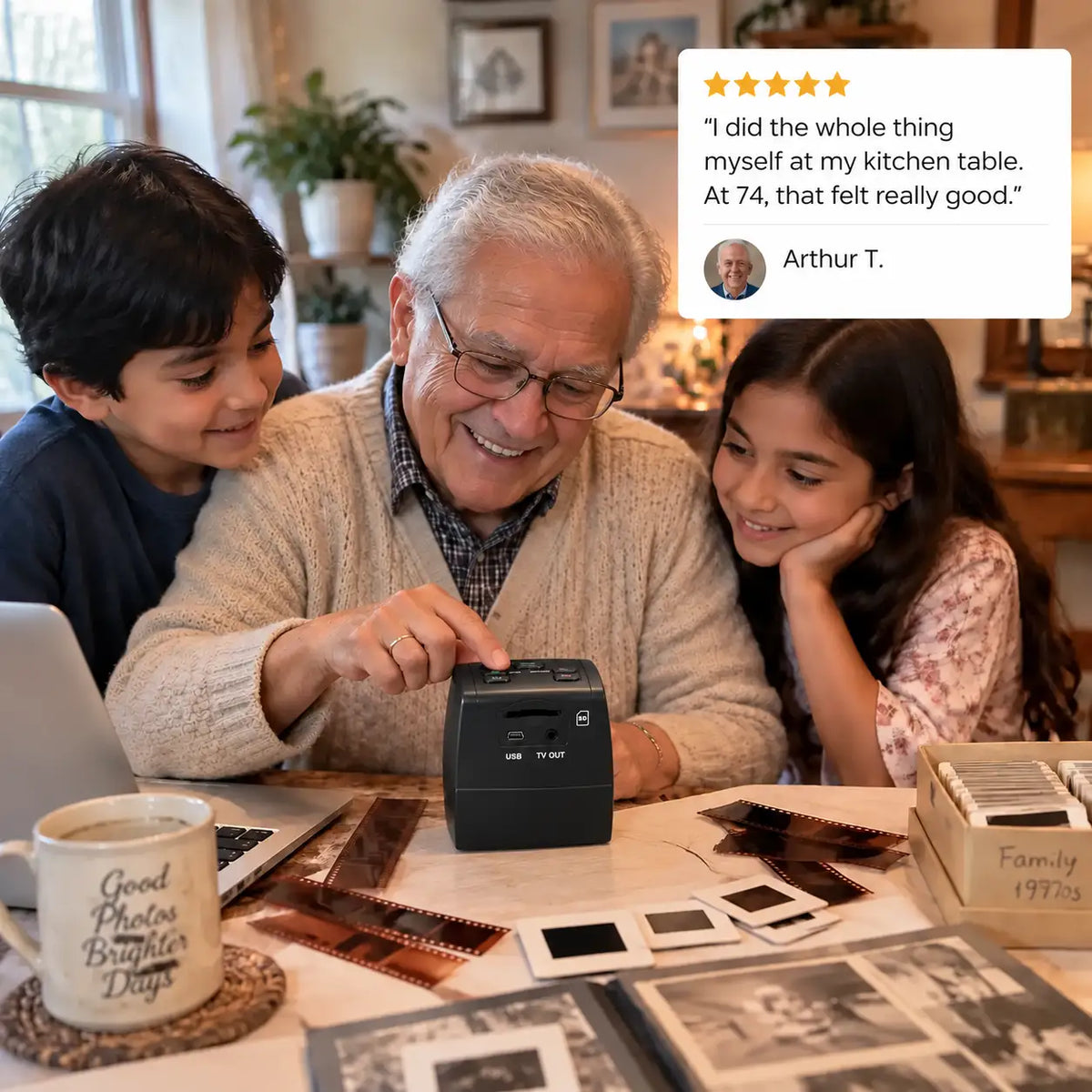
5. See The Scan Before You Save It
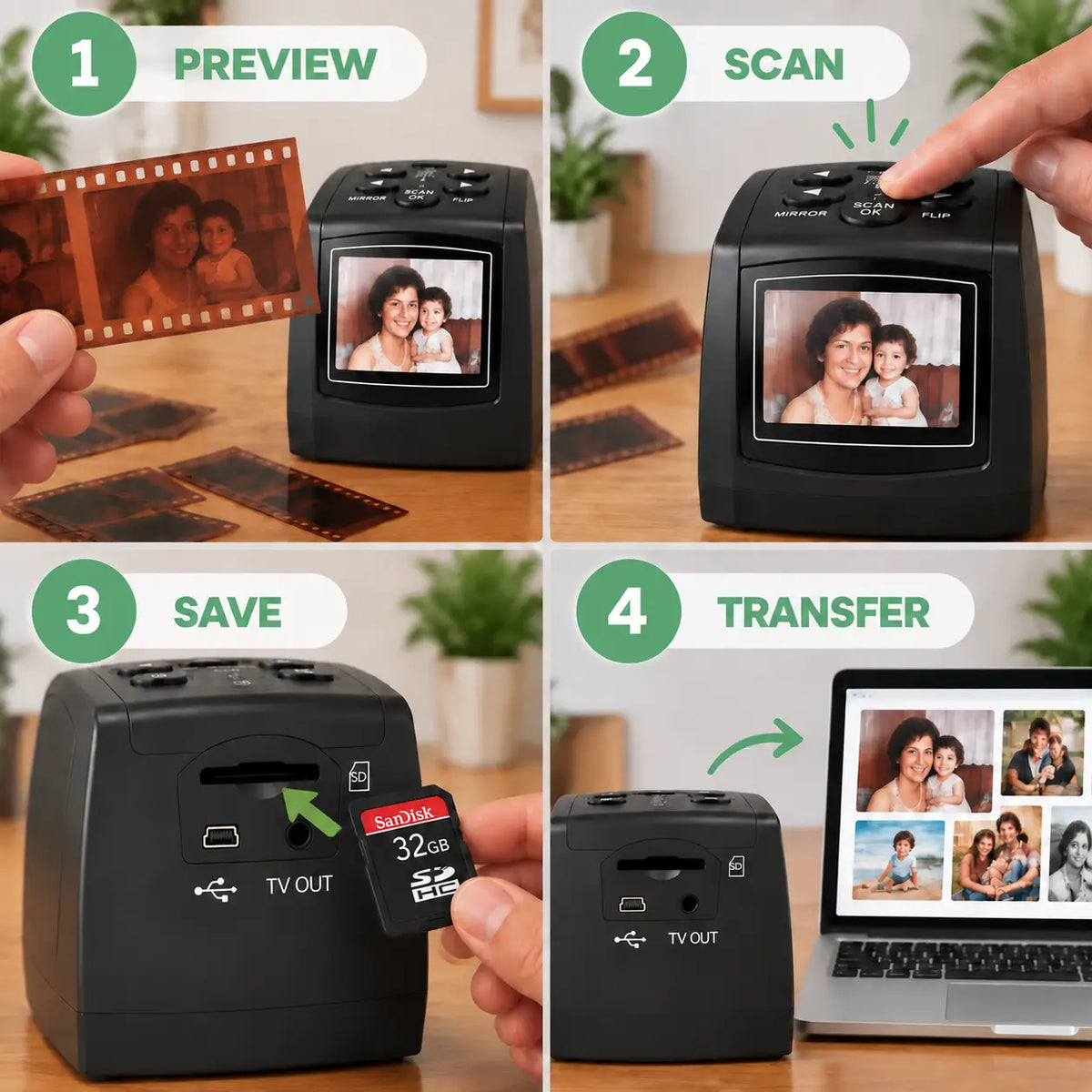
You can preview each scan on the built-in screen before saving it.
Once you're happy with the image, save it as a JPEG to an SD card.
From there, transfer it to your computer or, with the complimentary SD card reader, to your phone or tablet.
- Preview
- Scan
- Save
- Transfer
Then those old negatives are no longer sitting in a box. They're digital photos you can actually see and share.
6. You Don’t Have To Do It All At Once
6. You Don’t Have To Do It All At Once
You don't need a whole weekend to digitize your old film.
With the The MemoryVault Box™ Pro, just insert the film or slide, preview it, and then save.
Do a few photos today.
Do a few more later.
Little by little, you can finally get through the box.
7. Keep The Originals. Keep The Memories.
7. Keep The Originals. Keep The Memories.
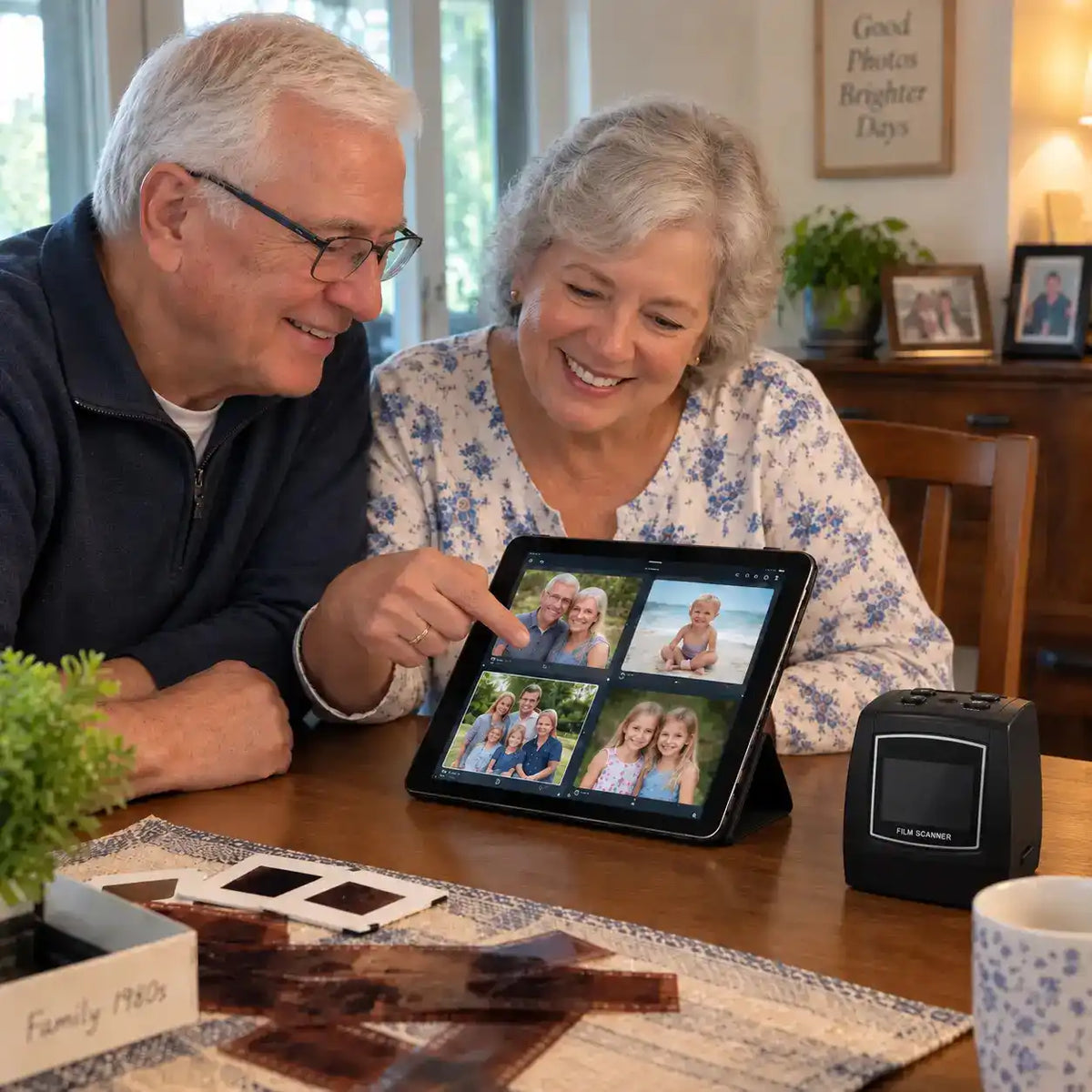
Keep your negatives and slides exactly where they are — with you.
Scan them yourself, at home, and create digital copies you can view and share anytime.
You get the convenience of digital without ever letting the originals out of your hands.
How Does The MemoryVault™ Box Pro Compare?
| Features | Our Device | Mail-In Services | Scanners |
|---|---|---|---|
| Built-In LCD Screen | Yes | No | No |
| No Computer Needed | Yes | No | No |
| See Results Instantly | Yes | No | No |
| Keep Originals Safe | Yes | No | No |
| One-Time Cost | Yes | No | No |
| No Technical Skills Required | Yes | No | No |
| Works With Old Film | Yes | No | No |
Why The MemoryVault Box™ Pro?

Multiple Film Formats
35mm, 126, 110, Super8, slides & monochrome negatives

One-button Scanning
Simple, standalone scanning at home

Automatic & Manual Color Correction
Helps with aging and faded film


Built-in Preview Screen
See your photo before saving it

Sd Card Storage
Save your scans directly to an SD card
No Computer Required
Scan and save without a computer for the core workflow
Real People. Real Memories.
Real customers share how The MemoryVault Box™ Pro helped them rediscover old photos, preserve family memories, and easily digitize treasured film slides.


"I scanned over 300 slides in a single day. The photos I thought were too faded came back beautifully. My grandkids can finally see what their great-grandparents looked like."


"No computer needed was the key for me. I'm not good with technology but this I could figure out in 5 minutes. I finally preserved the photos of my kids"

"I almost paid thousands to a mail-in service. This paid for itself after 50 negatives and I didn't have to risk my originals in the mail. Exactly as simple as advertised."
"I scanned over 300 slides in a single day. The photos I thought were too faded came back beautifully. My grandkids can finally see what their great-grandparents looked like."
"No computer needed was the key for me. I'm not good with technology but this I could figure out in 5 minutes. I finally preserved the photos of my kids"
"I almost paid thousands to a mail-in service. This paid for itself after 50 negatives and I didn't have to risk my originals in the mail. Exactly as simple as advertised."
Your Old Film Has Been Waiting Long Enough.
You don’t need to send your originals away.
You don’t need to build a complicated computer setup.
And you don’t need to keep telling yourself you’ll digitize them someday.
With The MemoryVault Box™ Pro, you can scan your old film at home, save digital copies, and keep the originals with you.